Jewelry Value Finder: Identify Clues From a Photo
Use LumaGem as a jewelry value finder to inspect rings, chains, bracelets, earrings, pendants, and other jewelry pieces. Upload a photo to review visible materials, gemstone clues, hallmarks, style details, and an estimated value range.
Check jewelry value clues in three steps
LumaGem is built for quick educational jewelry checks when you want to understand a piece before selling, organizing, comparing, or asking a jeweler better questions.
Take or upload a photo
Start with a clear image of the jewelry piece. Rings, chains, bracelets, earrings, pendants, and watches work best with bright, sharp photos.
Review visible details
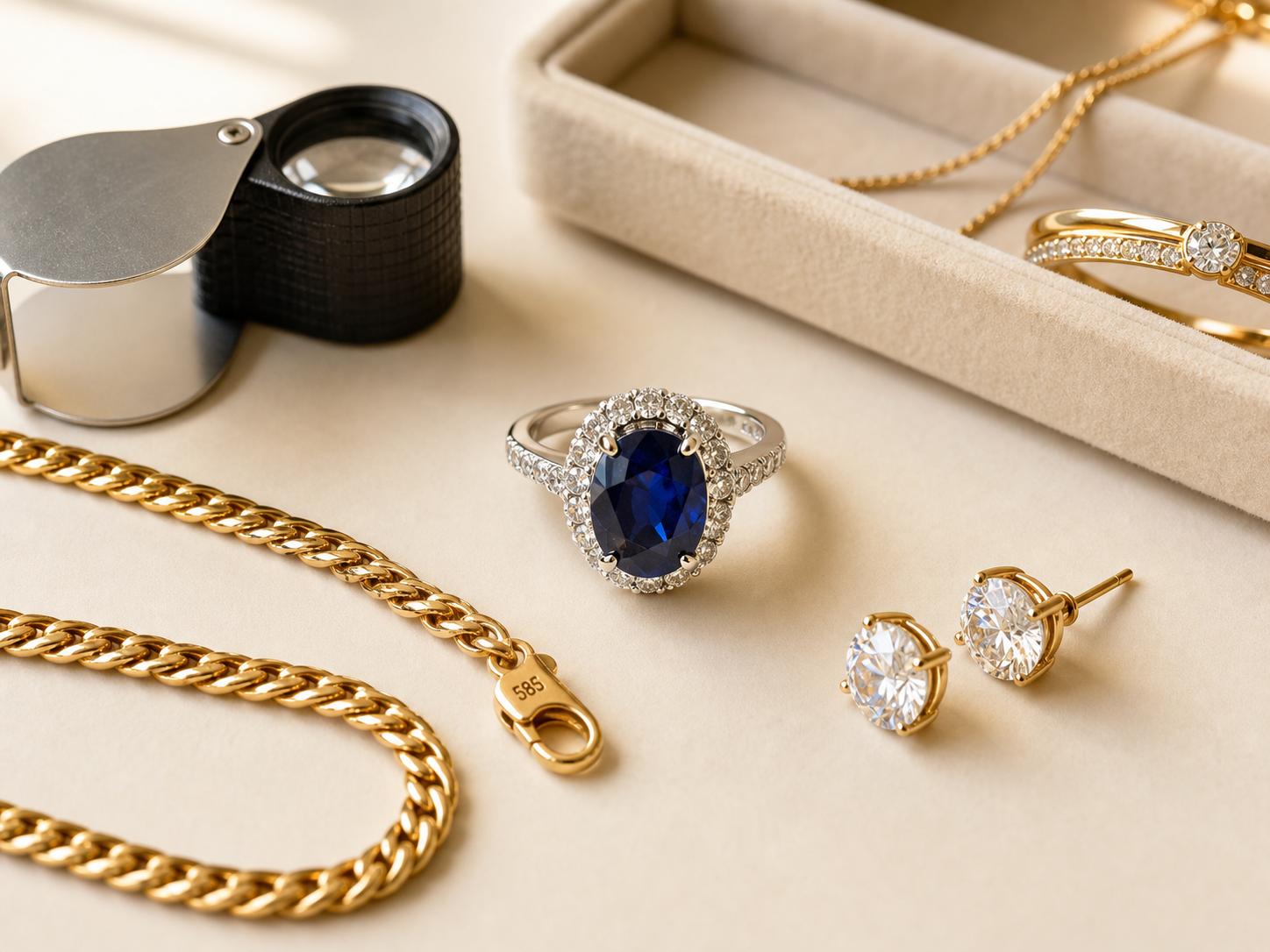
Look at metal tone, gemstone color, setting style, hallmarks, clasp markings, wear, and other clues that may affect estimated value.
Save and compare pieces
Use the collection view to keep track of pieces and compare estimated ranges across items before resale, appraisal, or insurance research.
Identify jewelry by photo before you sell
A photo cannot replace a professional appraisal, but a jewelry value finder can help you understand what to look for before walking into a pawn shop, resale marketplace, estate sale, or jeweler.
- Check visible metal and gemstone clues
- Look for hallmarks, stamps, clasps, and maker details
- Add weight when available for more useful estimates
- Save pieces to a simple jewelry collection

Use a jewelry value finder before bigger decisions
A jewelry value finder is helpful when you want a first look at an item before selling, gifting, insuring, organizing, or requesting a formal appraisal. LumaGem helps you collect visible clues so your next step is less random.
Before resale
Check whether a piece may deserve more research before listing it online, visiting a buyer, or accepting a quick offer.
Before appraisal
Prepare clearer photos, weight notes, hallmark details, and stone questions before speaking with a professional jeweler.
For collections
Save rings, chains, earrings, bracelets, and pendants in one place so you can compare estimated ranges across your collection.
Learn what affects jewelry value
Use these guides to understand jewelry value, photo checks, gemstone clues, hallmarks, and what details to compare before selling or appraising a piece.
Jewelry Value Guide
Learn the main factors that affect jewelry value and how to prepare before a professional appraisal.
Jewelry Identifier App
See how LumaGem uses photo-based clues to help identify materials, stones, style, and value range.
Identify Jewelry by Photo
Take better jewelry photos for rings, chains, earrings, bracelets, pendants, stones, and hallmarks.
Gold Jewelry Value
Understand karat marks, weight, condition, style, and other gold jewelry value clues.
Jewelry value finder questions
Can an app identify jewelry from a photo?
An app can help inspect visible details such as metal tone, stone appearance, style, hallmarks, clasp markings, and condition. It is useful for education and organization, but it does not replace hands-on testing by a qualified jeweler or appraiser.
Can LumaGem tell me the exact value of jewelry?
LumaGem can provide an estimated value range based on visible photo details and information you add. Exact value depends on verified materials, gemstone quality, weight, market demand, condition, and professional testing, so use it as a jewelry value finder for research, not as a final appraisal.
What jewelry photos work best?
Use bright natural light, a plain background, and close-up photos of the front, back, clasp, stamps, hallmarks, stones, and any damaged areas. Add weight and measurements when possible.
Should I still get a professional appraisal?
Yes, for insurance, resale decisions, estate matters, or valuable pieces. LumaGem helps you prepare and organize information, while a professional appraisal can verify materials, stones, and market value.
Find jewelry value clues faster with LumaGem
Use Jewelry Identifier: LumaGem as a jewelry value finder to inspect jewelry photos, save pieces to your collection, and understand visible details before selling, comparing, or appraising.
Download on the App Store